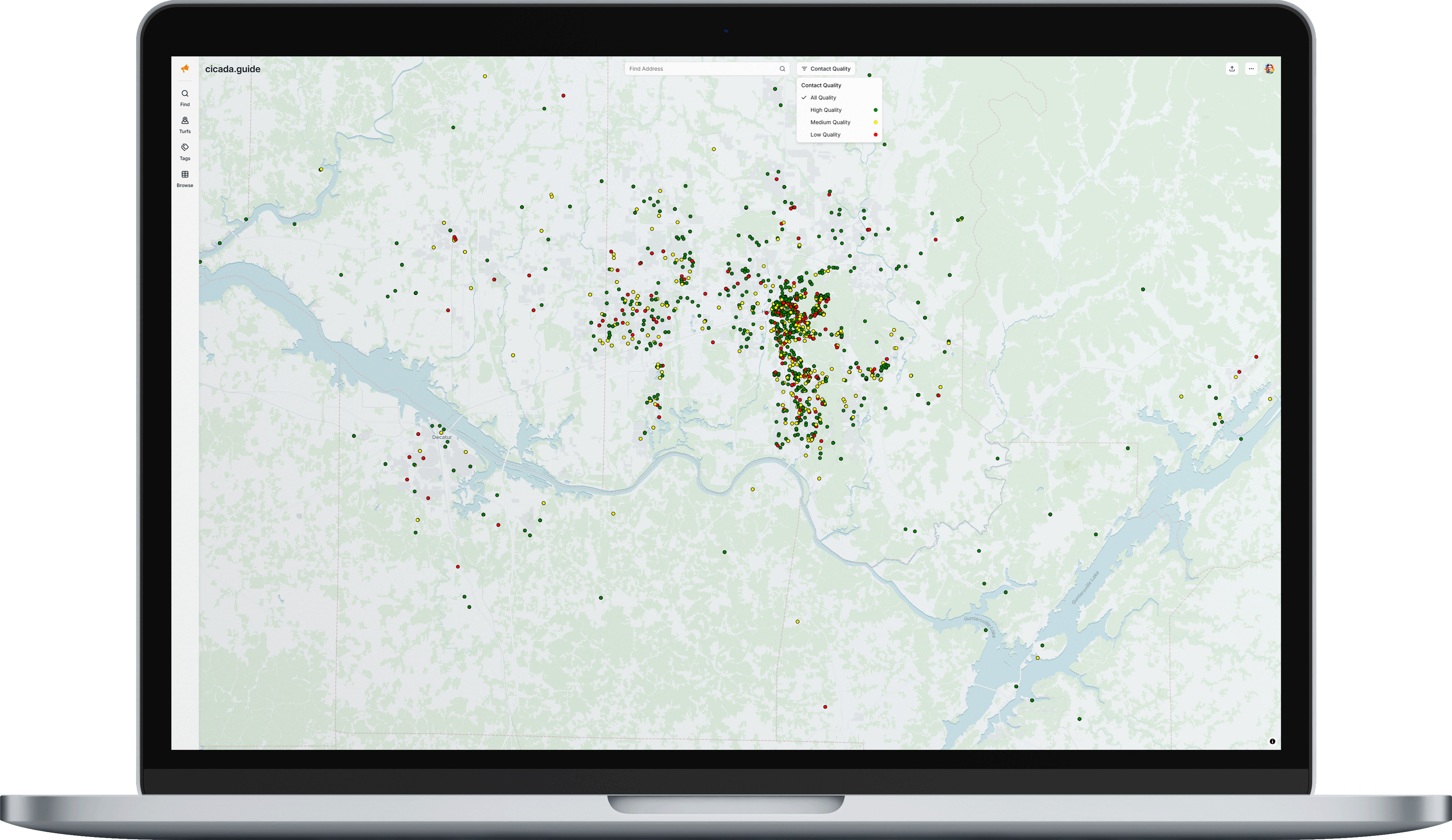
Contacts appear as colored dots based on their Contact Quality, which indicates how much verified contact information is available:
Color | Quality Level | Meaning |
|---|---|---|
Green | High Quality | Has both verified email and phone |
Yellow | Medium Quality | Has either verified email or phone |
Red | Low Quality | Has neither verified email nor phone |
White | Uncompleted | Contact has not yet been enriched |
You can filter the map by contact quality using the Contact Quality dropdown in the top toolbar.
Was this article helpful?
That’s Great!
Thank you for your feedback
Sorry! We couldn't be helpful
Thank you for your feedback
Feedback sent
We appreciate your effort and will try to fix the article