Turfs appear as shaded regions on your main map, making it easy to visualize your campaign's geographic organization.
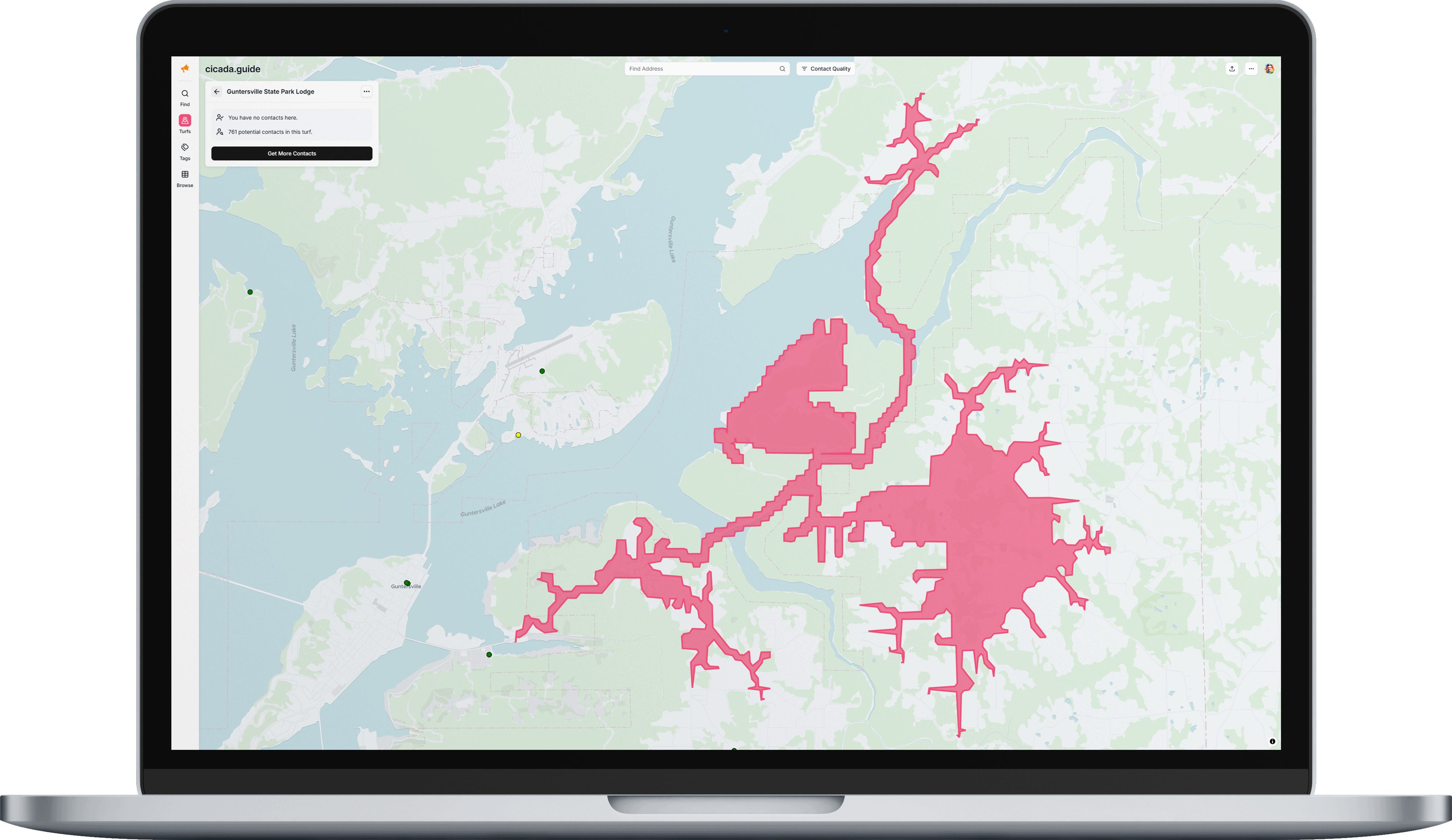
From the Turfs list, click on any turf to see:
- The turf's name and description.
- The number of contacts available for discovery/completion within the area.
- Select the three ellipses in the top right of the turf pop-up for options to Edit or Delete the turf.
Was this article helpful?
That’s Great!
Thank you for your feedback
Sorry! We couldn't be helpful
Thank you for your feedback
Feedback sent
We appreciate your effort and will try to fix the article