Isochrones are areas defined by travel time rather than arbitrary boundaries—perfect for door-knocking or canvassing operations.
- Click Turfs in the left sidebar.
- Click Create Turf.
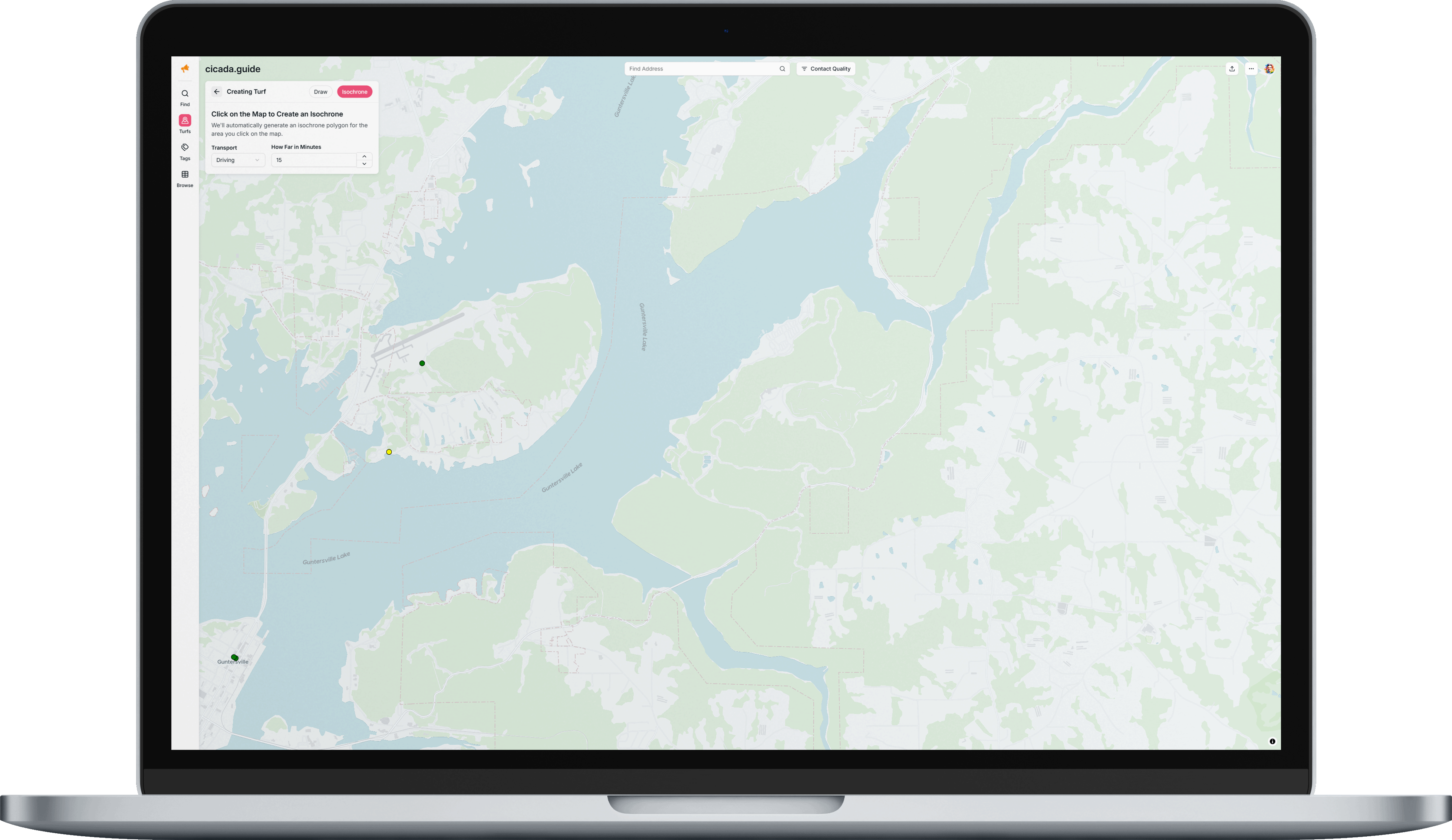
- Select Isochrone from the toggle at the top.
- Choose your transport mode: Walking, Driving, or Cycling.
- Set how far in minutes you want the isochrone to extend (default is 10 minutes).
- Click anywhere on the map to generate an isochrone centered on that point.
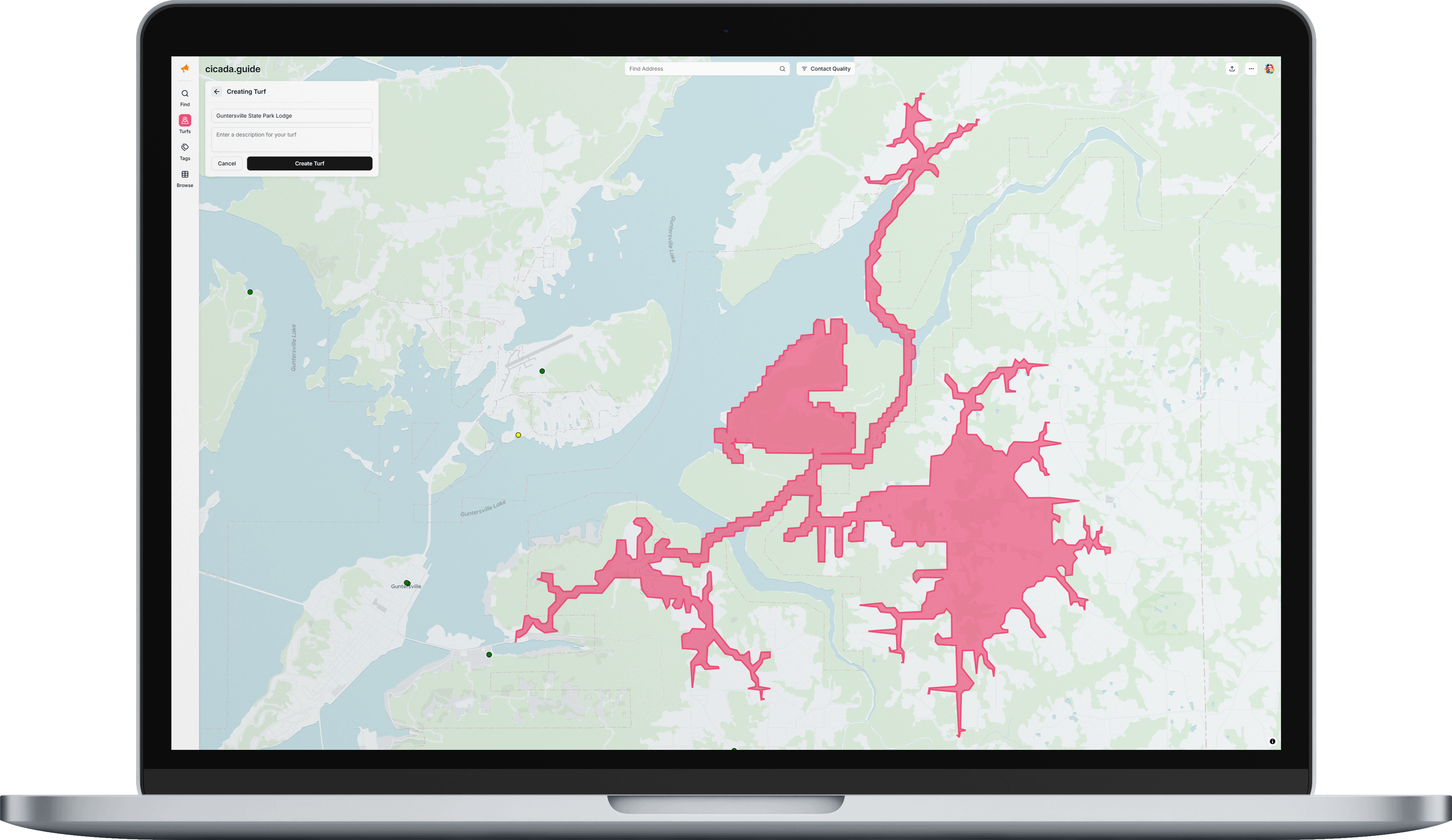
- Add a name and optional description.
- Click Create Turf to save.
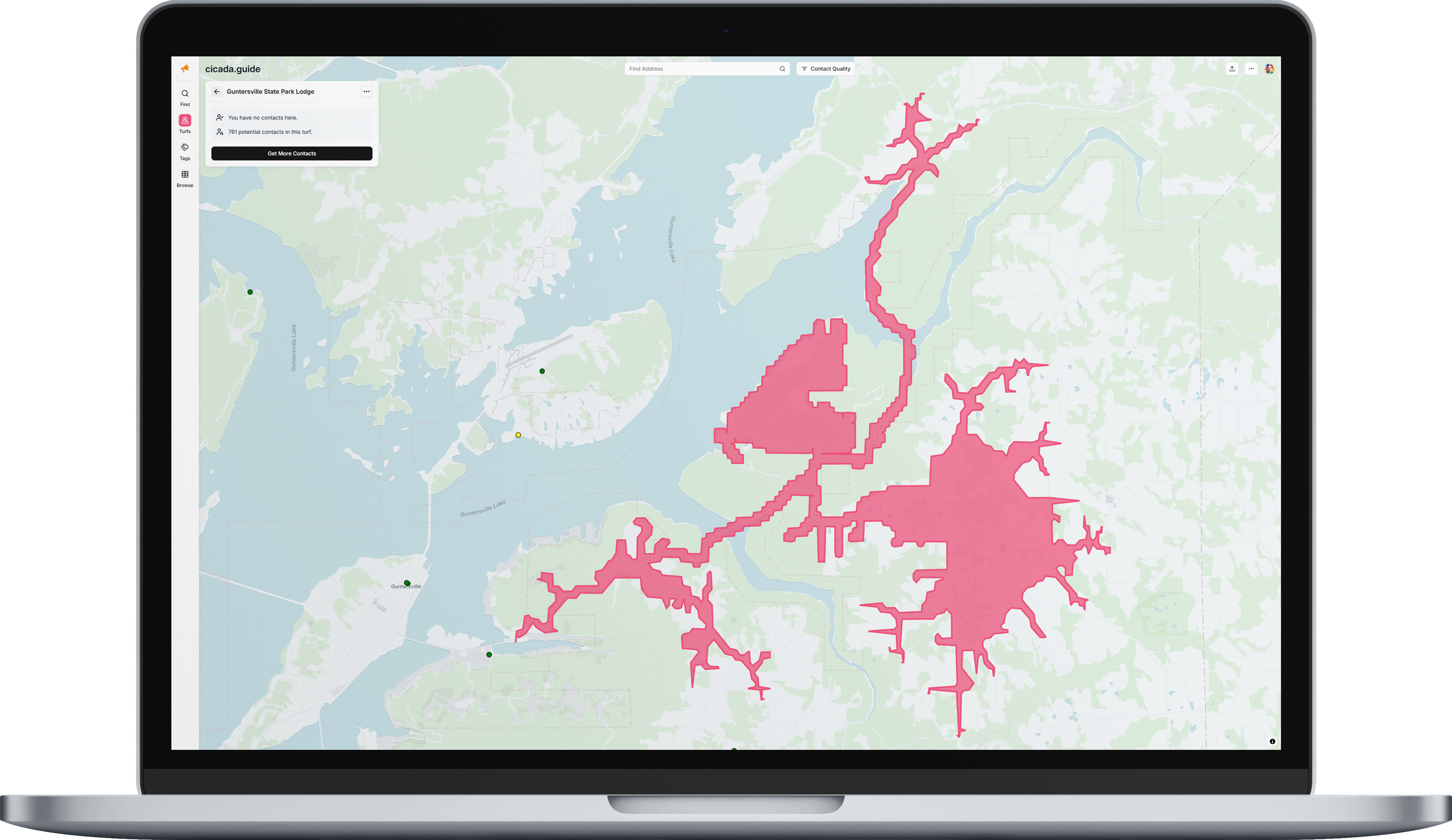
The isochrone will automatically calculate the area reachable within your specified time limit using your chosen transportation method. Then it will provide an estimate for how many new contacts are in the area that you can add to your database.
Search by Address
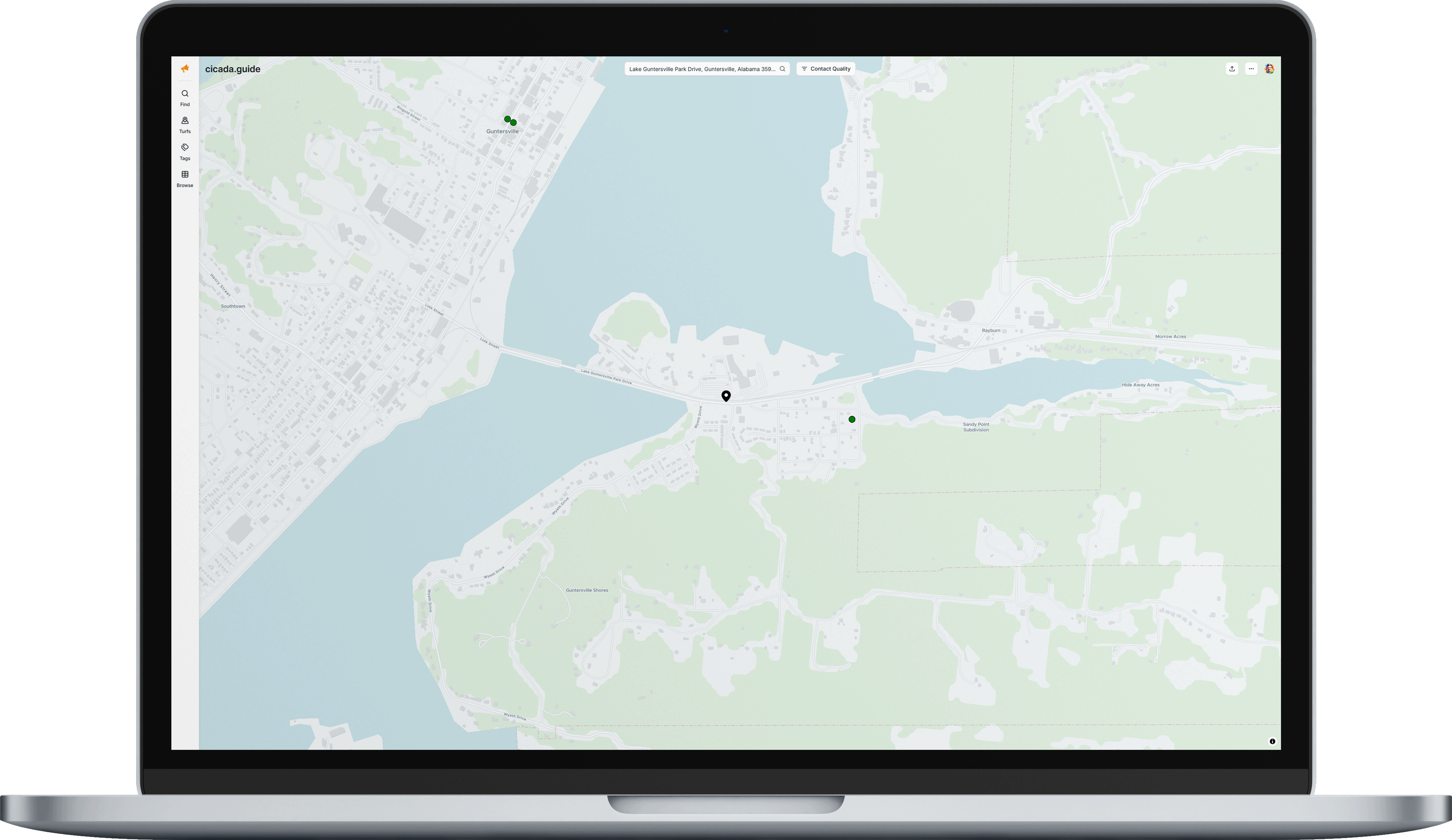 Use the "Find Address" search bar to navigate the map to a specific location. As you type, address suggestions will appear—click one to center the map on that location.
Was this article helpful?
That’s Great!
Thank you for your feedback
Sorry! We couldn't be helpful
Thank you for your feedback
Feedback sent
We appreciate your effort and will try to fix the article