When you first sign in, you'll land on the Campaigns Dashboard.
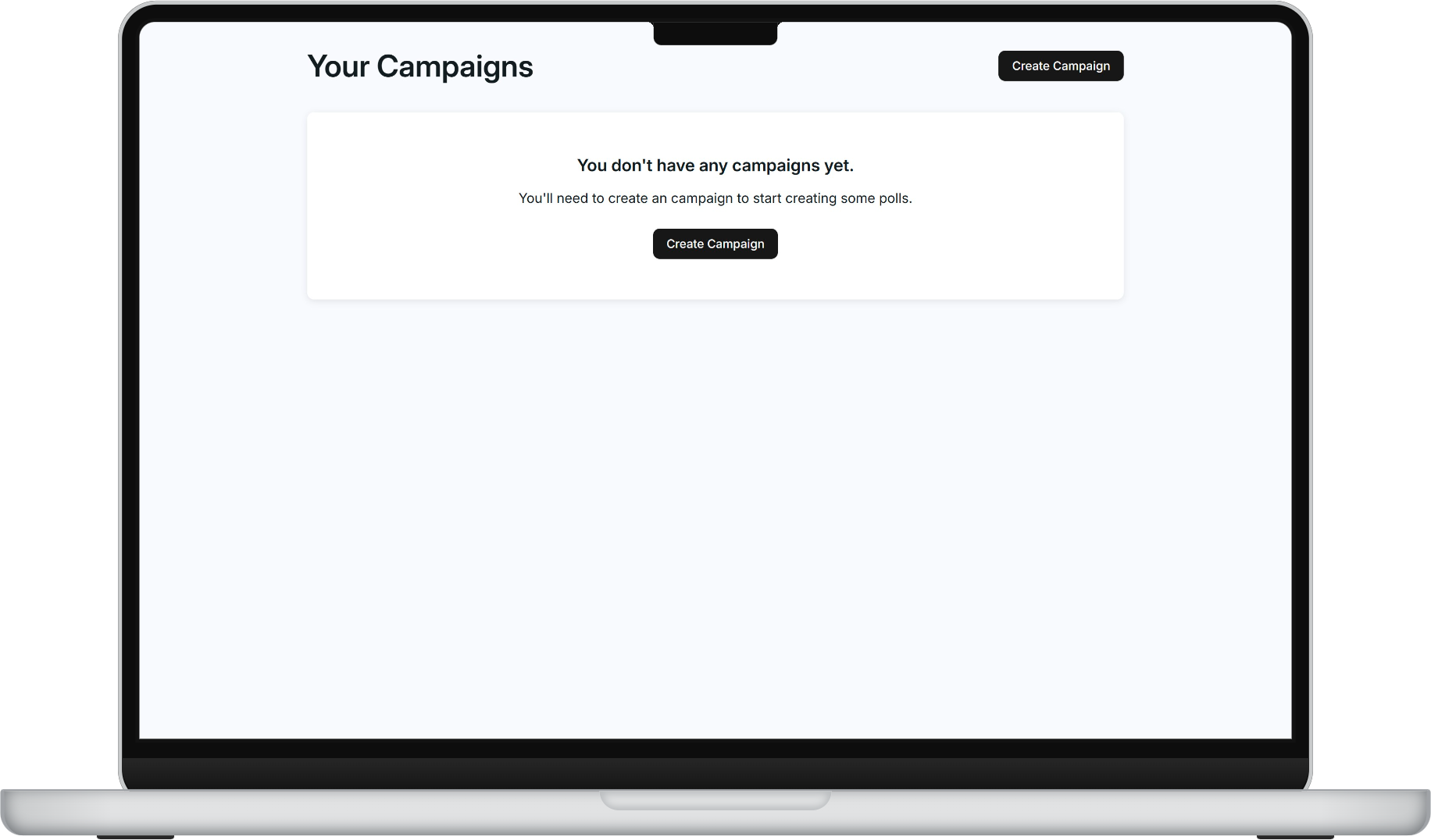
To create a new campaign:
- Click Create Campaign from the dashboard
- Enter the Name of your campaign.
- Define your Location by selecting a division or creating an isochrone on the map.
- Set your End Date to indicate when your campaign concludes.
- Click Add Member to give people access to your campaign data.
- Click Create Campaign to finish.
You can always edit these details later by returning to the campaign settings.
Was this article helpful?
That’s Great!
Thank you for your feedback
Sorry! We couldn't be helpful
Thank you for your feedback
Feedback sent
We appreciate your effort and will try to fix the article