Navigation
Once inside a campaign, you'll see four main navigation options in the left sidebar:
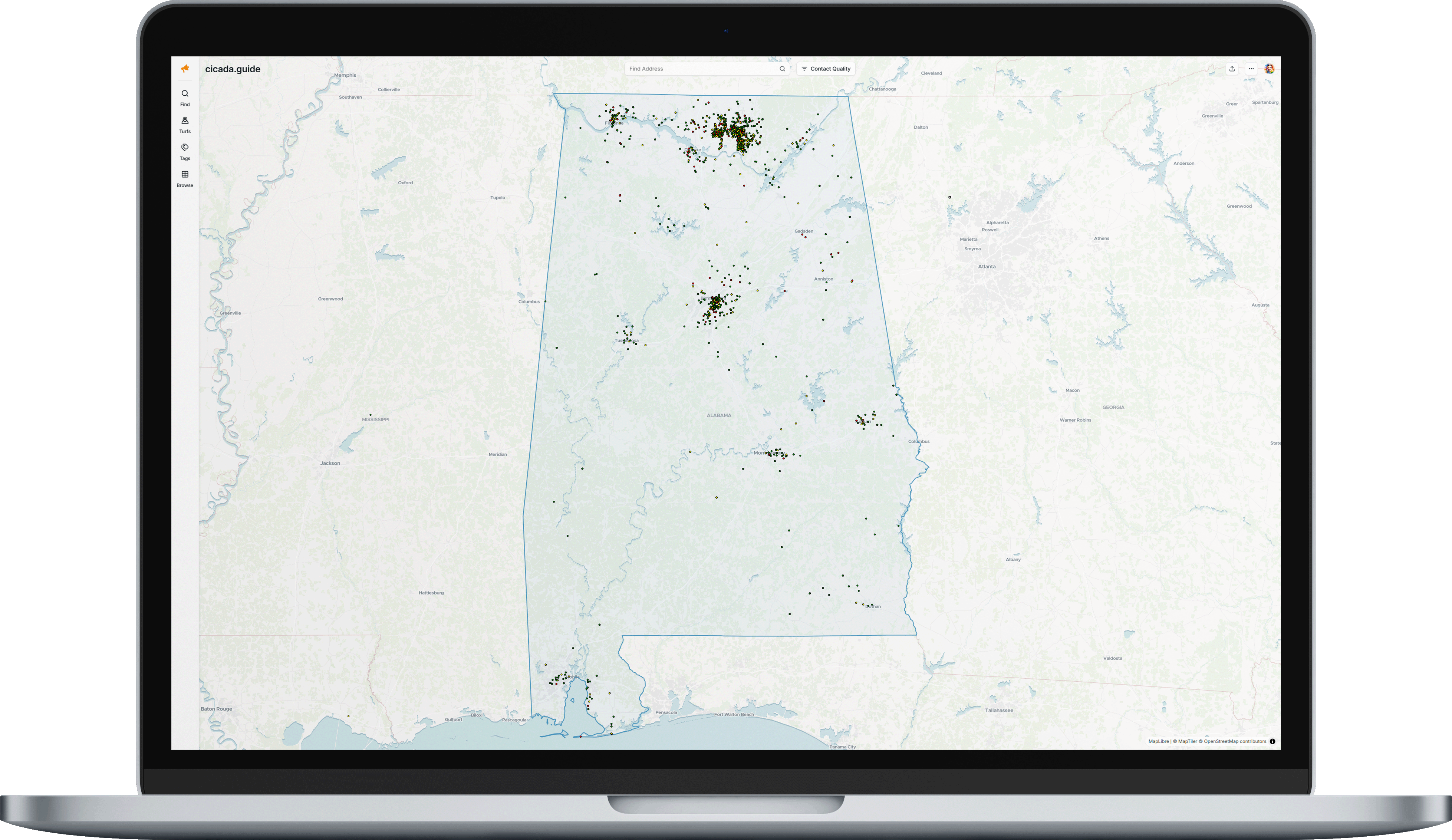
Find
Search and filter your contacts.
Turfs
Create geospatial areas for organizing outreach.
Tags
Manage custom labels for contacts.
Browse
View all contacts in a spreadsheet-style table.
Was this article helpful?
That’s Great!
Thank you for your feedback
Sorry! We couldn't be helpful
Thank you for your feedback
Feedback sent
We appreciate your effort and will try to fix the article